marmalade.
A recipe and meal planning app for iPhone. It keeps all of my saved recipes in one place, in a photo grid that makes them easy to browse and find. The design is a small tribute to seventies cookbooks and kitchens.
Why I built it
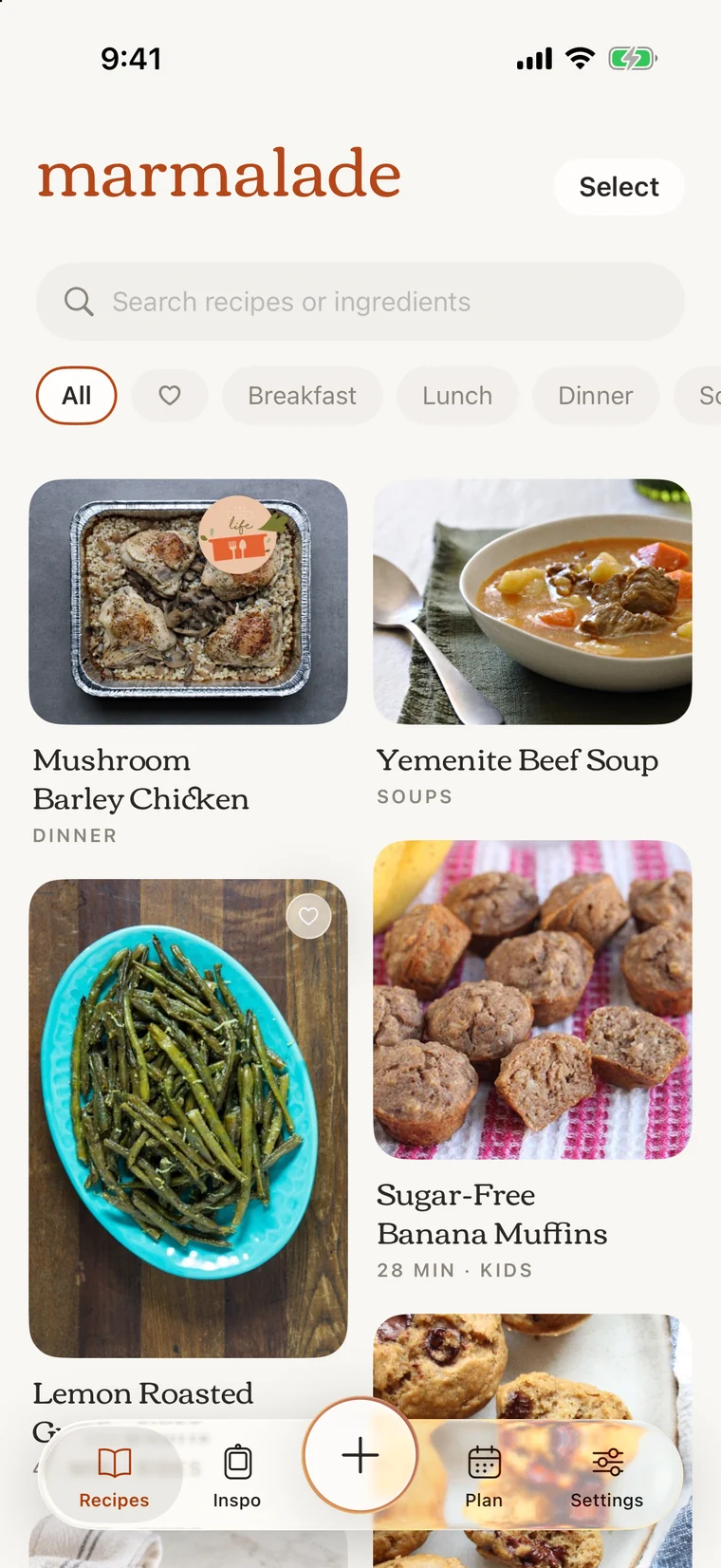
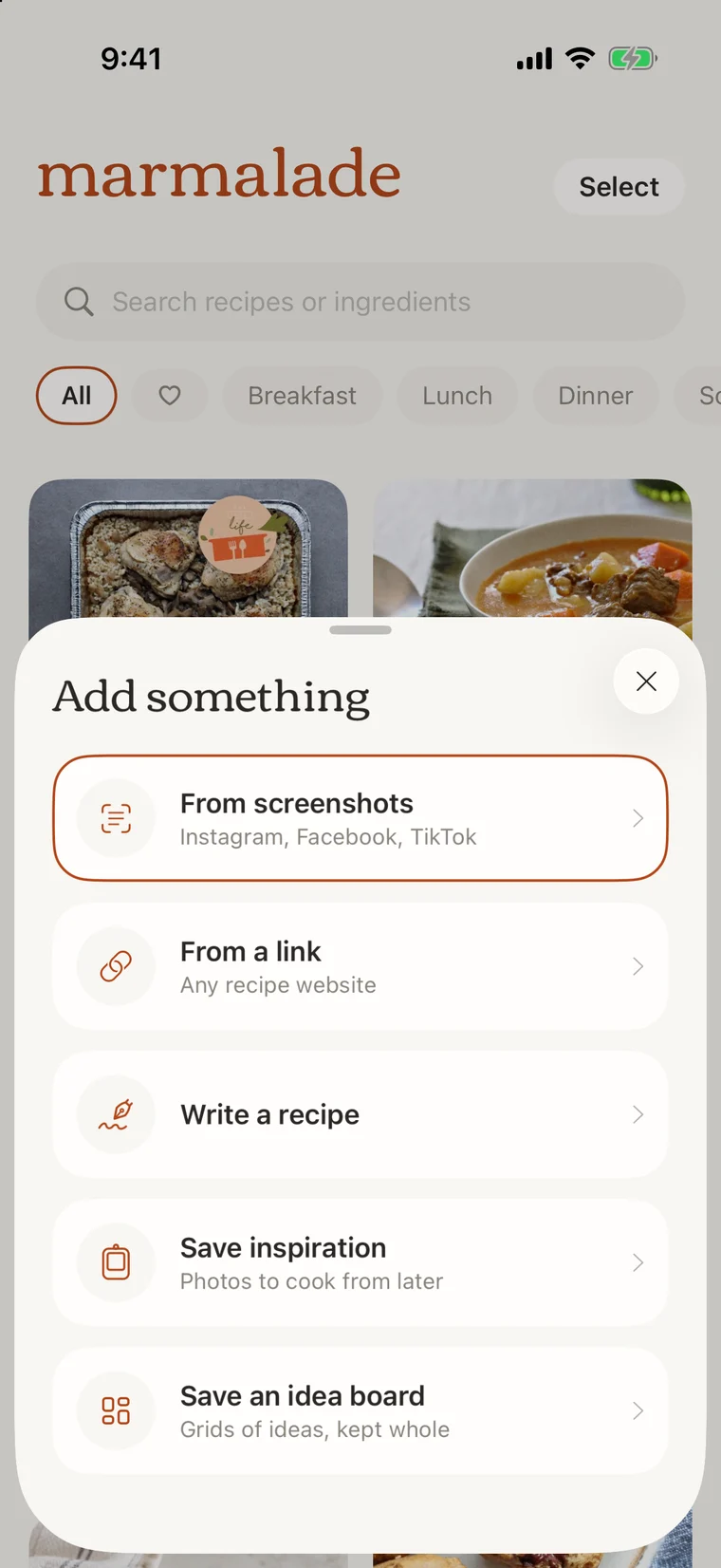
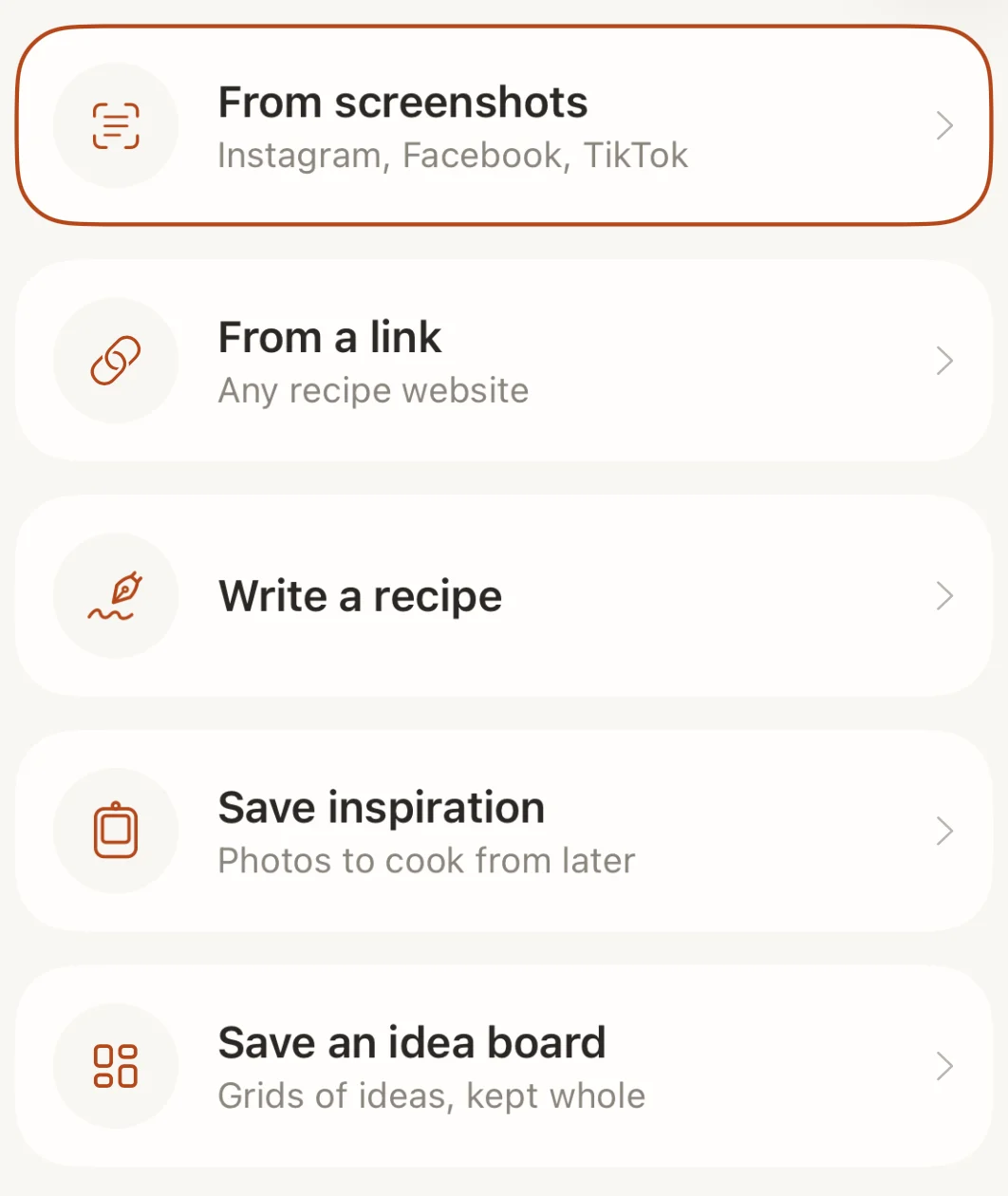
Importing recipes
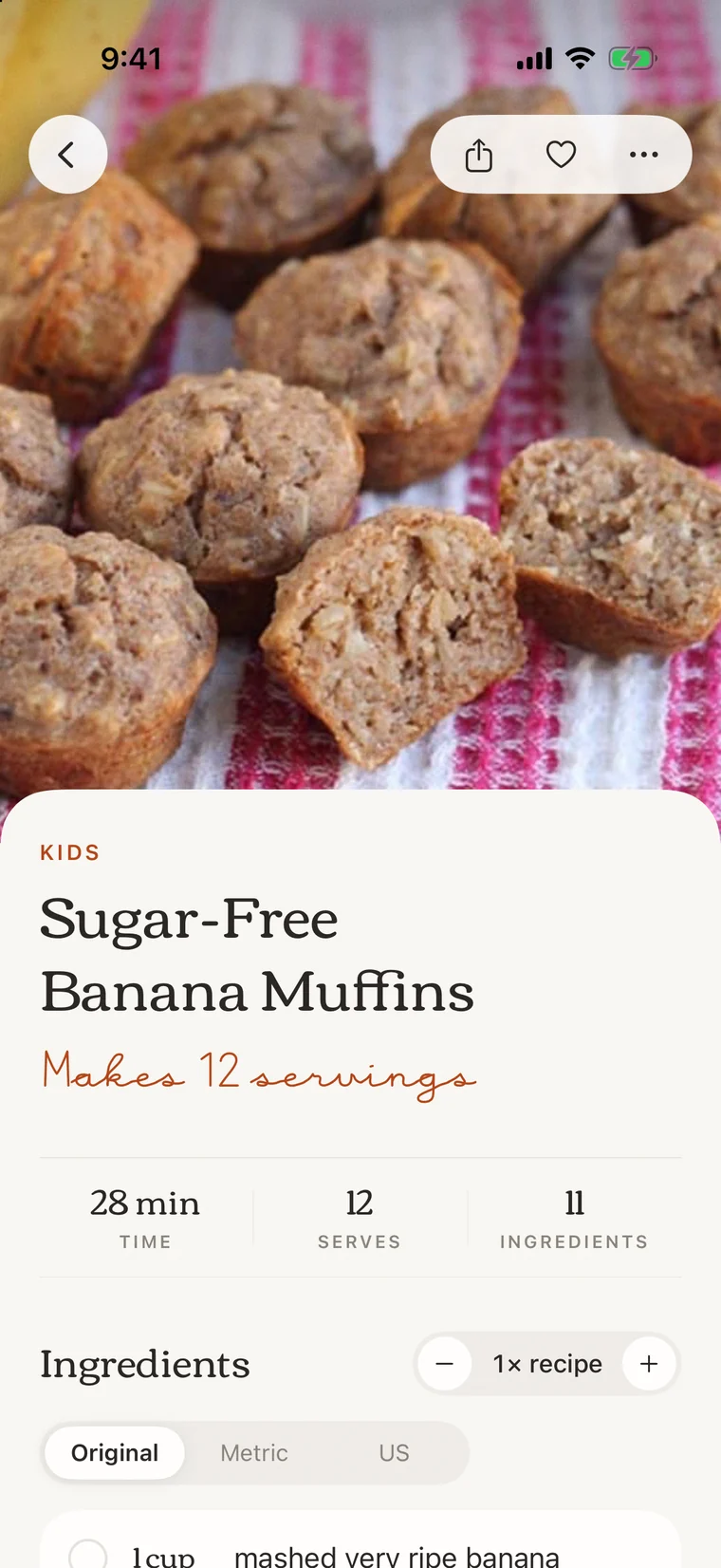
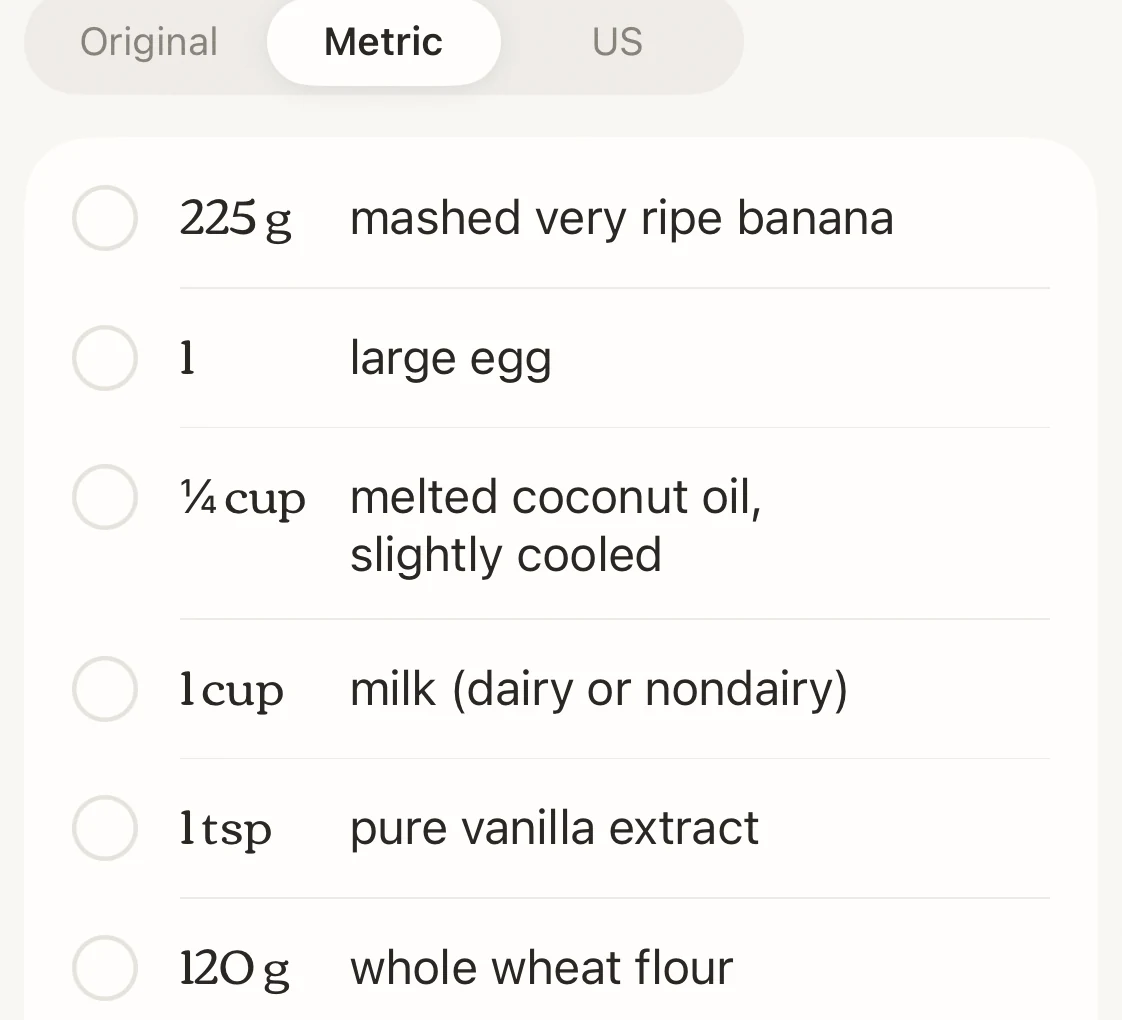
Servings and units
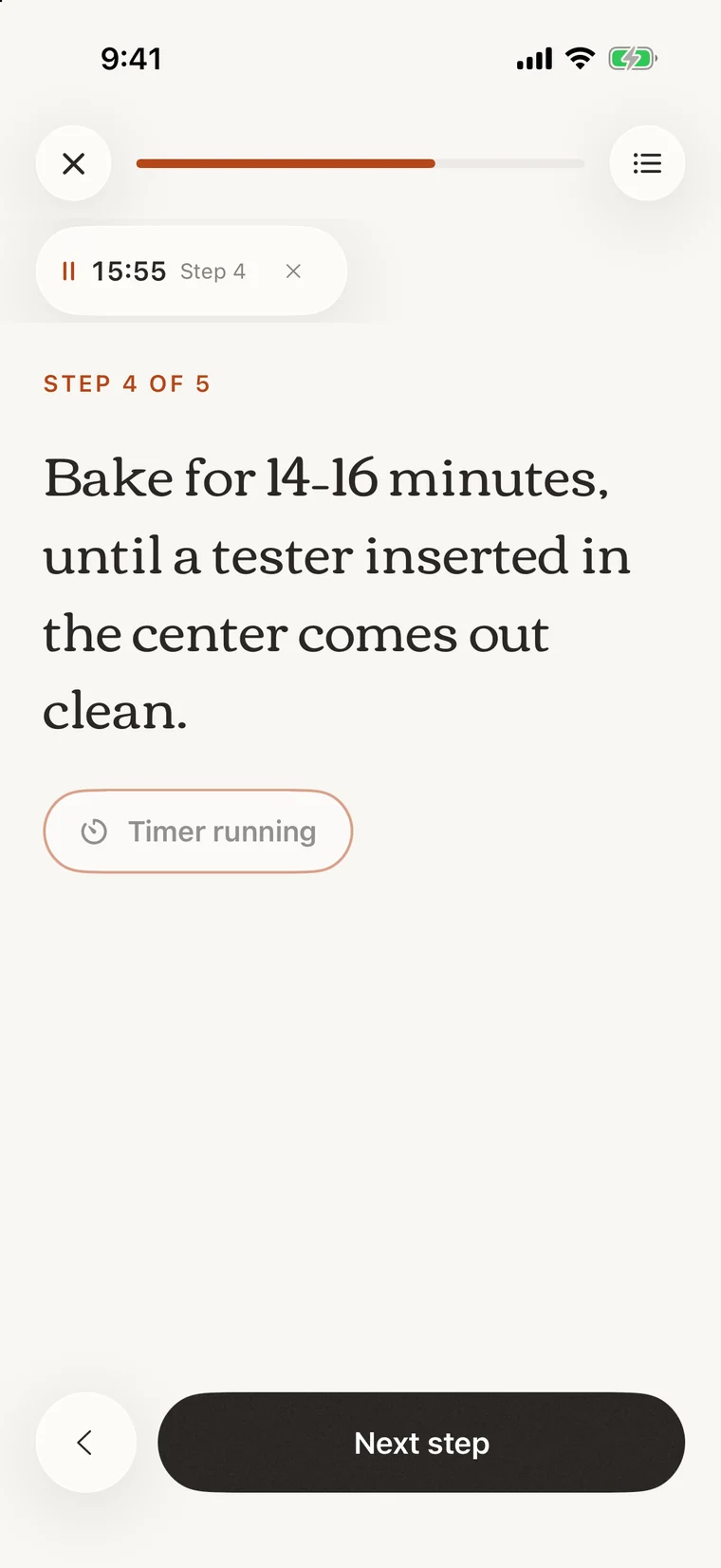
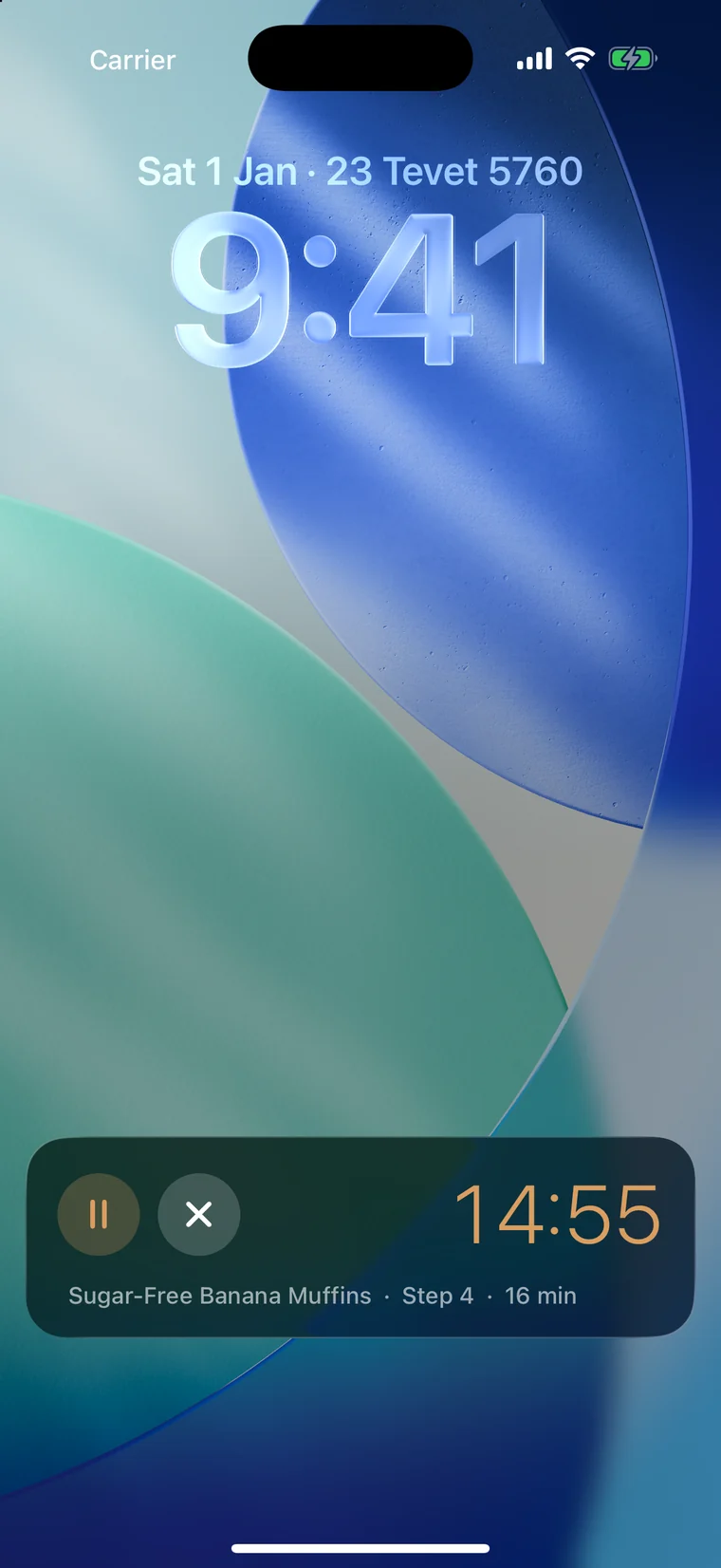
Cook mode
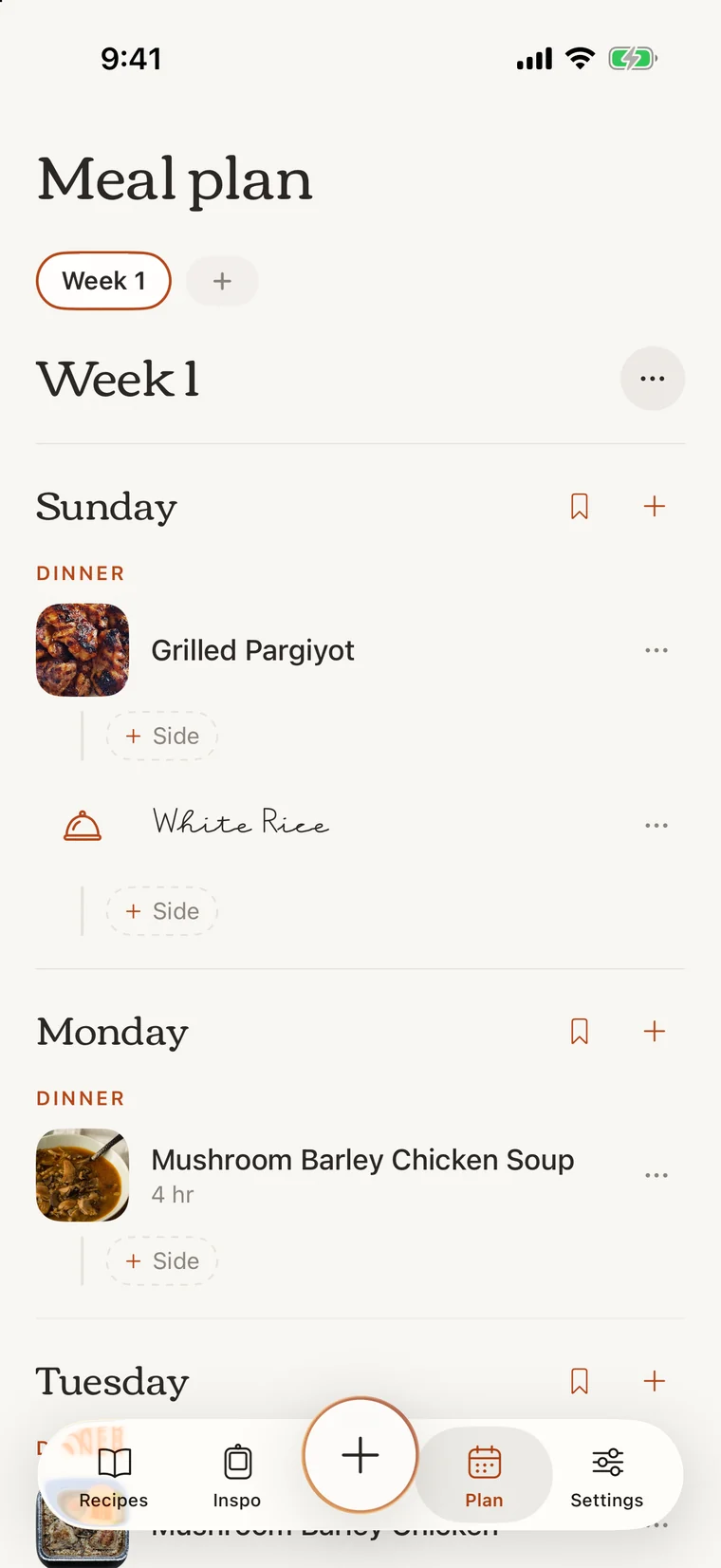
Meal planning
Why build my own
I tried a few existing recipe apps, but they didn’t fit how I save recipes or how I cook. These are the main things Marmalade does differently.

Appearance
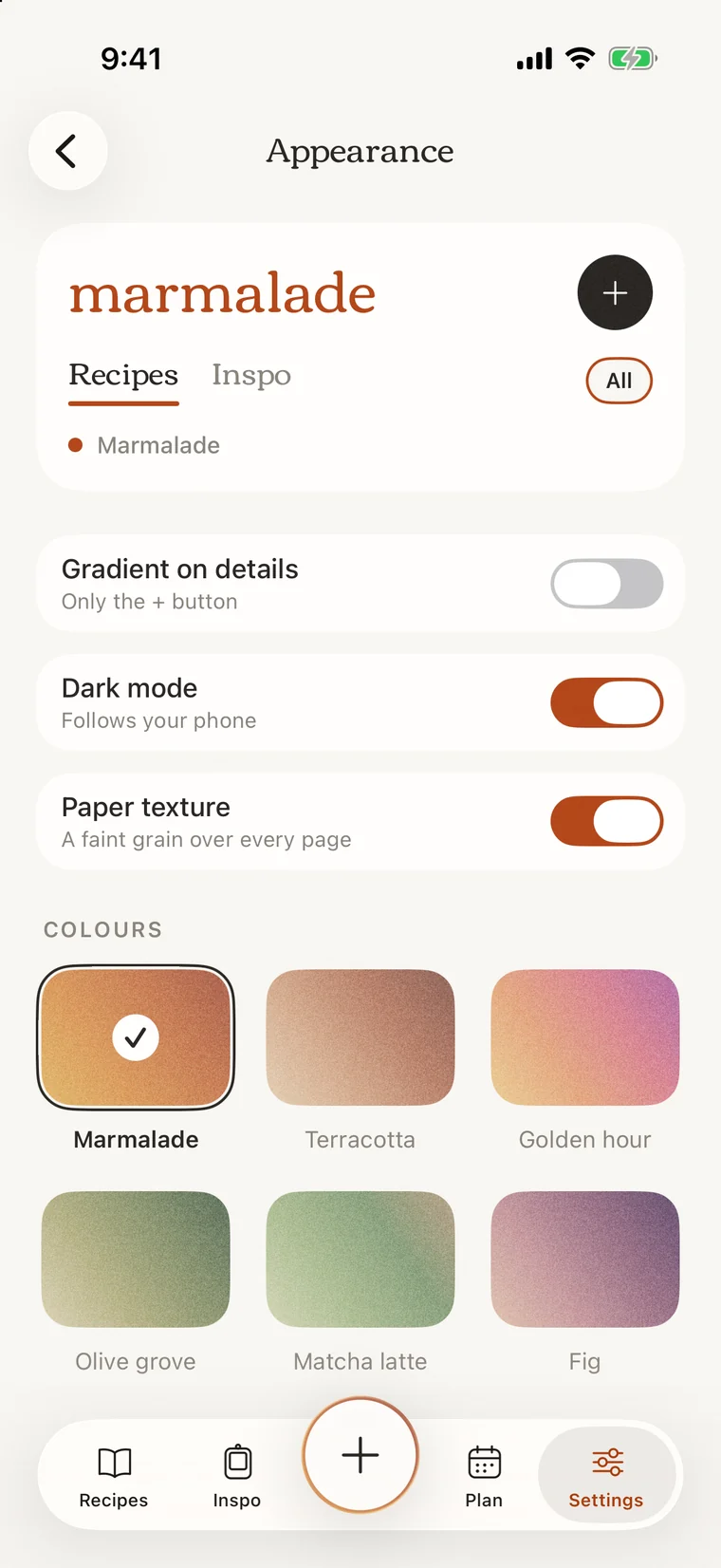
Design system
The background is a warm off-white and the cards are white, so the food photos are the most colorful thing on screen. The only other color comes from the selected palette. A small set of components, like chips, cards and buttons, is reused on every screen to keep the app consistent.
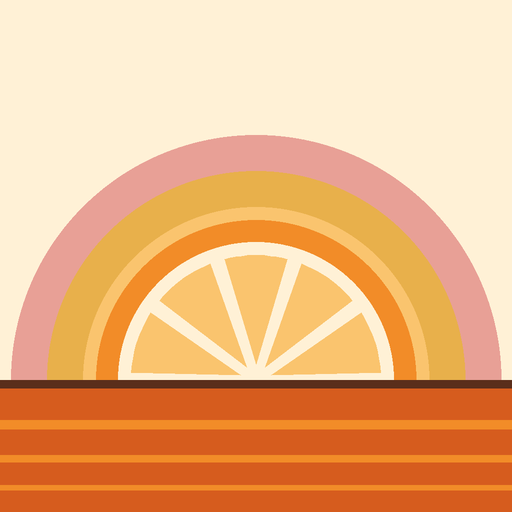
The look is a nod to seventies design. Headings use Corben, a rounded serif similar to the type on seventies cookbook covers. The icon uses the stacked rainbow bands and striped horizon that were common in seventies graphics. Together with the matte palettes, these give the app a retro feel without making it look dated.
Color
The background is a warm oat color and the cards are white, so the food photos stand out.
Palettes · Marmalade
Six warm, earthy palettes with a matte finish. The selected palette is the only accent color in the app.
Accents
Main buttons are a soft black so they don’t compete with the photos. The palette color is used for the + button ring, selected chips and small labels.
Finish
Colors are matte, like the printing in a seventies cookbook, and the background has a faint paper texture.
Typography
Corben for headings and numbers, a handwritten font for short notes, and the system font for everything else.




Bake for 14–16 minutes, until a tester comes out clean.
Icons and chips
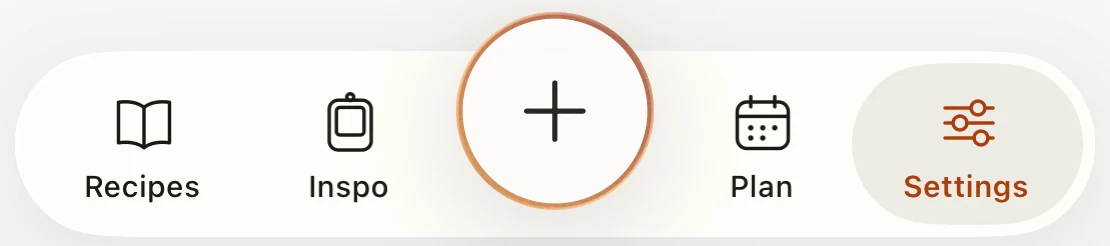
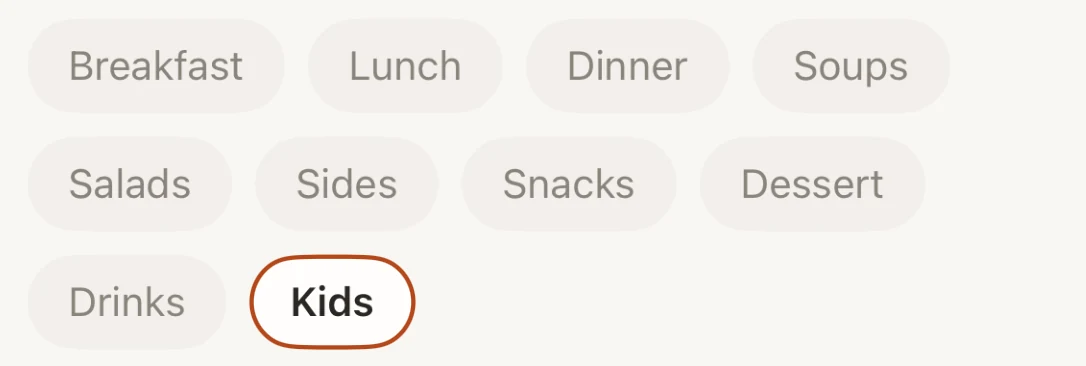
Icons are thin outlines. Options are chips you tap instead of dropdown menus.

What’s in a name?
The name is meant to feel warm and a little old-fashioned. The icon is an orange rising like a sun over striped bands, a common seventies motif.

Hover over or select a palette to see every screenshot on this page in that palette.
How it was built
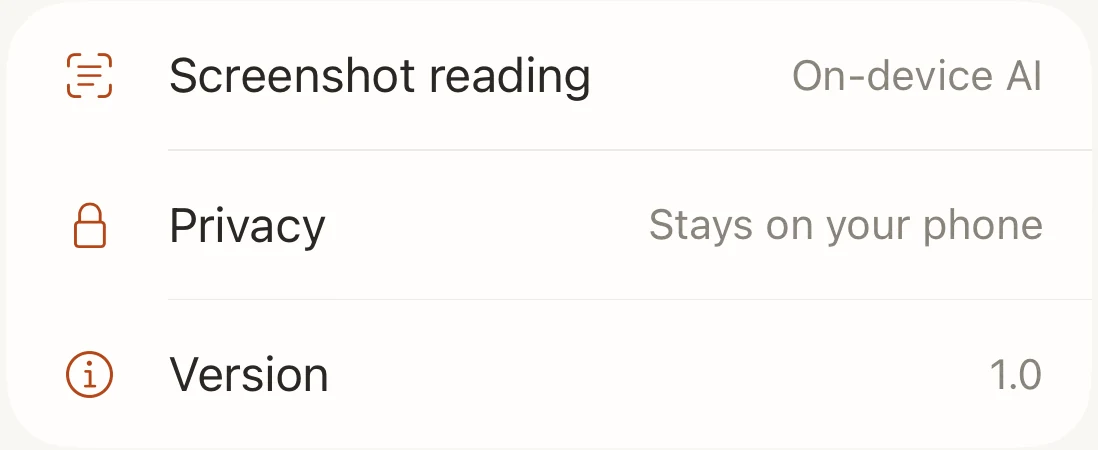
I designed Marmalade and built it as a native iPhone app with Claude Code. I’ve used each version on my own phone and changed whatever didn’t work well. Screenshots are read on the phone itself, not on a server.